

- Developer
- Easybrain
- Installs
- 100M+
- Downloads
- 0
- Views
- 1
- Updated
- Nov 1, 2026
Screenshots

About Sudoku.com - Sudoku Puzzle
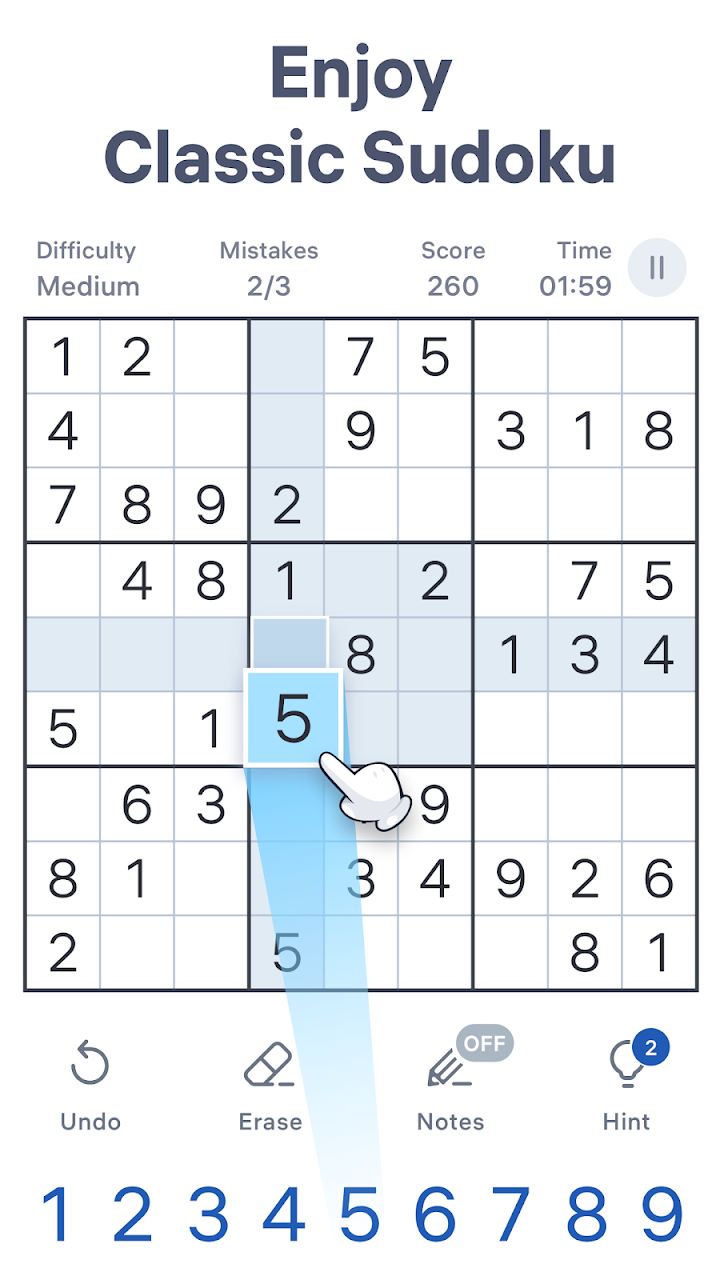
Sudoku.com is a number puzzle app from Easybrain built around the classic sudoku grid. The grid has nine rows, nine columns and nine smaller three-by-three boxes. Your task is to fill every empty cell with a digit from one to nine, so that each row, column and box contains each digit exactly once. The rules are simple, but the puzzles can range from relaxing to genuinely demanding. The app is popular because it is clean, fast and works well offline.
Difficulty levels
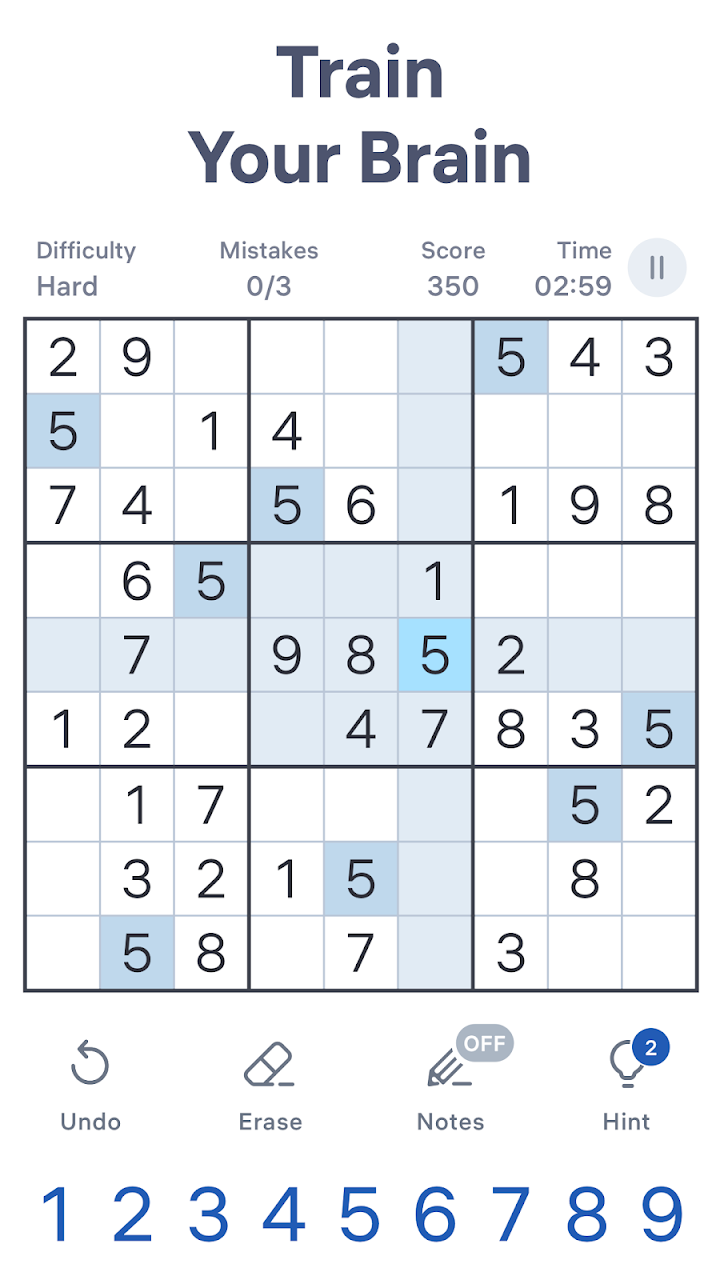
The game offers several levels, from easy puzzles for beginners to expert and larger puzzles for people who like a serious challenge. Easy levels often have many digits already filled in and can be solved using basic scanning. Harder levels have fewer starting digits and require more advanced reasoning. Choosing an appropriate level matters, because puzzles that are too hard can be frustrating, while puzzles that are too easy offer little reward.
Helpful tools
The app includes notes, which let you write small candidate numbers in a cell, just as you would pencil marks on paper. Auto-check can show mistakes as you go, and a hint function suggests a move when you are stuck. You can highlight identical numbers and the row, column and box of a selected cell, which helps visual scanning. Unlimited undo and automatic saving mean you can pause at any time. You can turn some of these assists off if you want a more traditional experience.
Solving techniques
Start by scanning for digits that appear often, and look for rows or boxes where only one number is missing. Look for cells that have only one possible candidate, known as a single. When a digit can go in only one cell within a box, row or column, place it there. For harder puzzles, use pairs and triples of candidates to eliminate options. Take your time, because a single wrong guess can ruin a puzzle. If you use notes, keep them tidy and update them as you place digits.
Daily challenges and events
The app has daily puzzles and seasonal events with trophies and medals as rewards. These features are optional and mainly encourage regular play.
Ads and purchases
The game is free to download and supported by advertising, which can appear between puzzles. Easybrain offers optional purchases to remove ads or to unlock extras, though the details change over time. Check the store listing for current information. Always install from the official store to avoid copies that may contain unwanted software.
Benefits and limits
Sudoku can be a pleasant way to practise concentration and logical reasoning. However, it is a hobby, not a medical treatment, and the effect on general brain health is not guaranteed.
Who it suits
It suits adults and older children who like logic puzzles, as well as anyone who wants a calm, offline game. If you prefer story or action, it may feel dry.
How it compares
Compared with Woodoku, it uses numbers rather than shapes. Compared with crosswords, it needs no vocabulary.
Our take
Sudoku.com is a reliable, well-designed sudoku app with helpful tools. If it sounds like a good fit, install it through the official link on this page.