

- Developer
- Chess.com
- Installs
- 100M+
- Downloads
- 4
- Views
- 39
- Updated
- Nov 2, 2026
Screenshots
About Chess - Play and Learn Online
Chess.com is one of the largest chess platforms in the world, and its Android app lets you play, learn and practise chess on your phone. You can play live games against people of similar skill, take on computer opponents of different strengths, solve tactical puzzles and follow lessons. The app is free to use at a basic level, with optional paid memberships that unlock extra lessons, analysis tools and other features. It suits complete beginners as well as experienced club players.
Ways to play
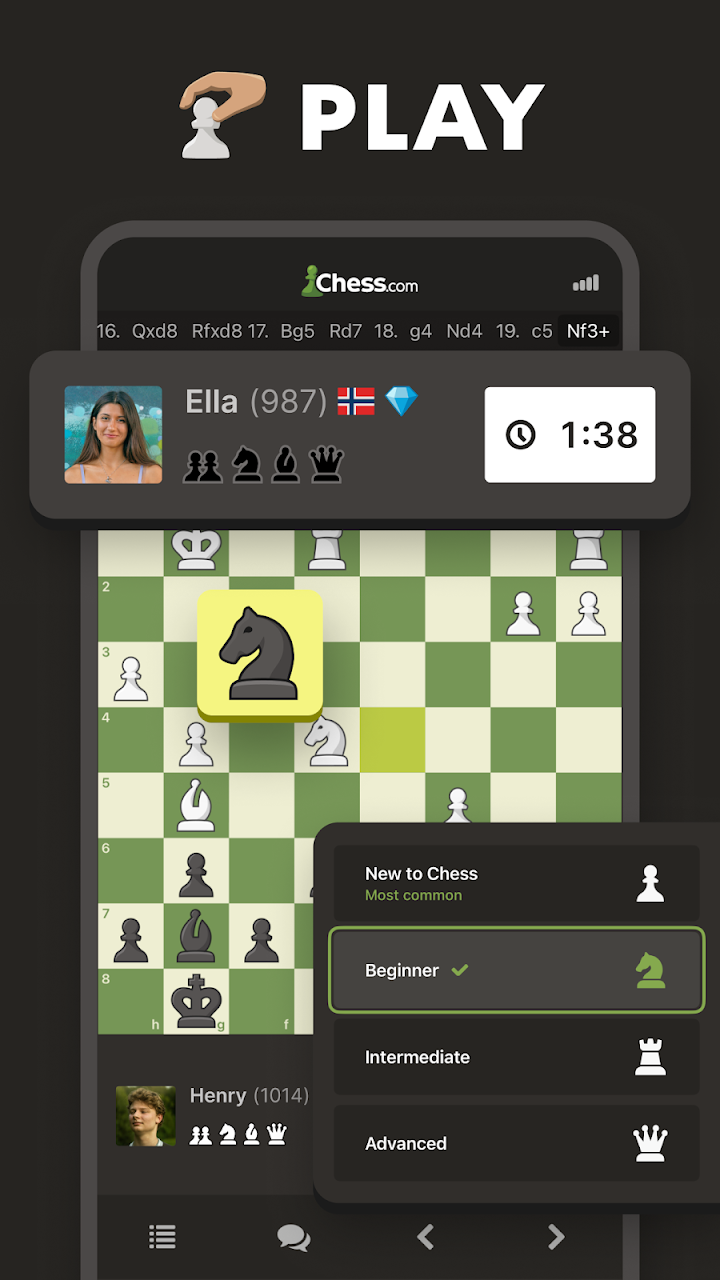
Live games come in several time formats. Bullet games last about a minute per player, blitz games a few minutes, and rapid games ten minutes or more. Daily games let you make a move whenever you have time, even across several days, which is ideal for a relaxed game while you are busy. You can also challenge a friend, join tournaments or play against bots that imitate different rating levels. If you want a quiet practice session, bots are a good choice because there is no pressure from a real opponent.
Learning tools
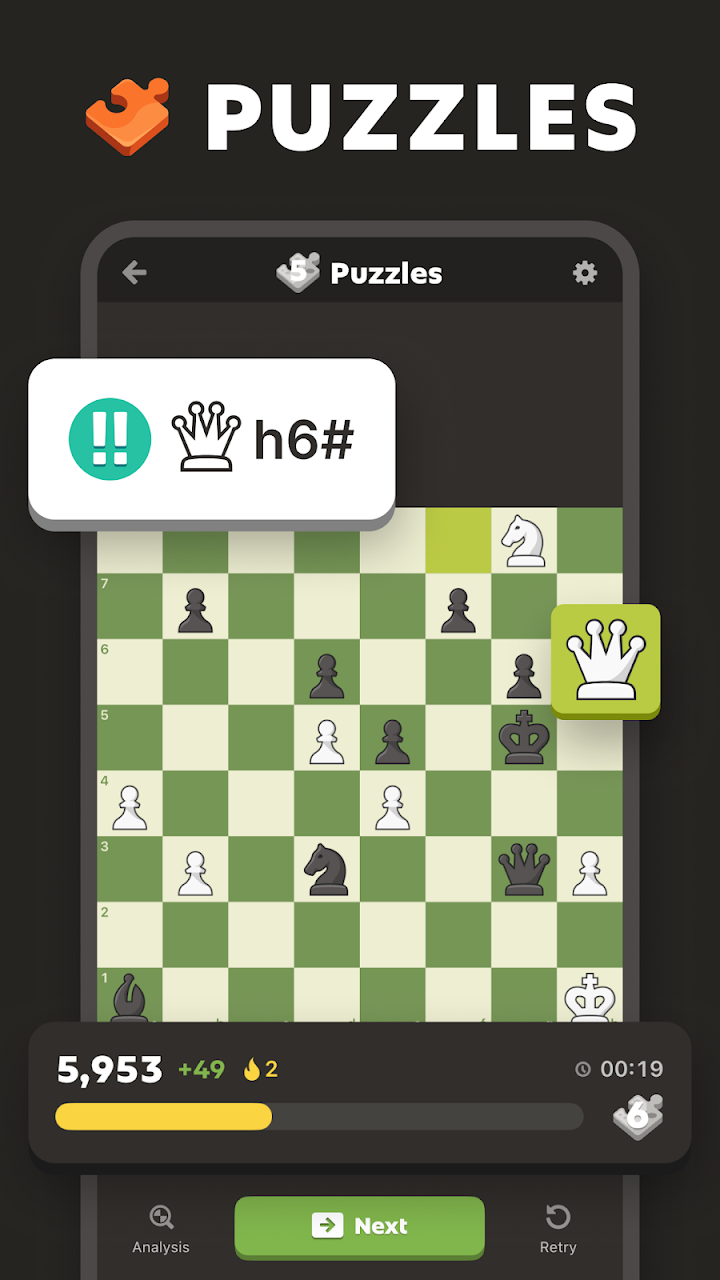
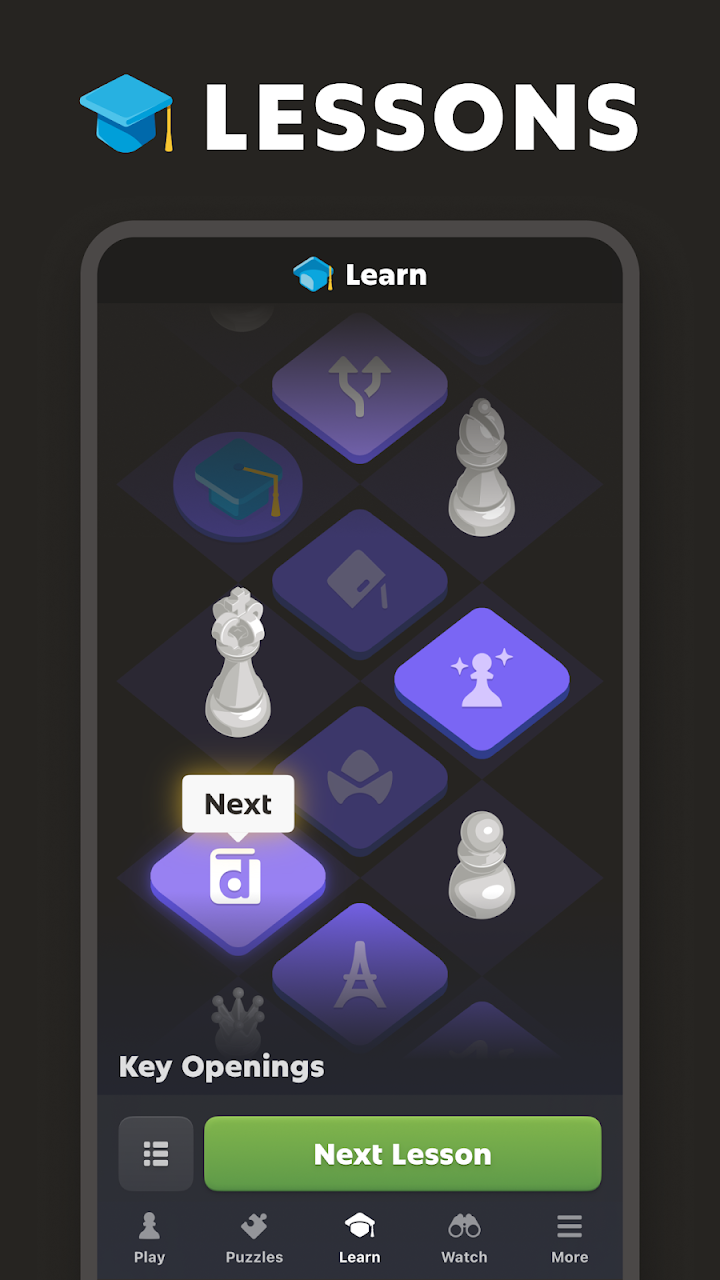
The app includes puzzles that adapt to your level, interactive lessons that explain openings, tactics and endgames, and a game review feature that points out mistakes and better moves. Learning to review your own games is one of the most effective ways to improve, because it shows patterns you repeat.
Tips for beginners
In the opening, control the centre, develop your knights and bishops, and castle early to protect your king. Do not move the same piece repeatedly without a reason. Before every move, check what your opponent threatens, and look for free pieces that are not protected. Practise simple tactics such as forks and pins, because most games at beginner level are decided by a single missed capture. Play longer time controls while learning so that you have time to think.
Fair play and community
Chess.com uses systems to detect cheating, which is important in an online game where engines are easy to use. Players who violate the rules can be banned. The community includes clubs, forums and well-known players who stream or publish content. As with any online community, protect your privacy, avoid sharing personal details and use the report tools if someone behaves badly. Parents should review the safety settings and chat options before allowing children to play.
Cost and subscriptions
Pricing varies by region and over time. If you subscribe, read what is included and how to cancel, and use the official app to avoid fake offers. Chess can be learned without paying, and many players do well with the free features alone.
Who it suits
It suits anyone who wants to learn chess, play regularly or improve steadily. Casual players can use it for quick games, and serious players can track ratings and study.
How it compares
Compared with Ludo or Carrom, chess has no luck and rewards long-term study. Compared with solitaire, it is competitive and social.
Our take
Chess.com is a polished, full-featured chess app with a large player base.