

- Developer
- Spotify AB
- Installs
- 1B+
- Downloads
- 0
- Views
- 1
- Updated
- Nov 1, 2026
Screenshots
About Spotify: Music and Podcasts
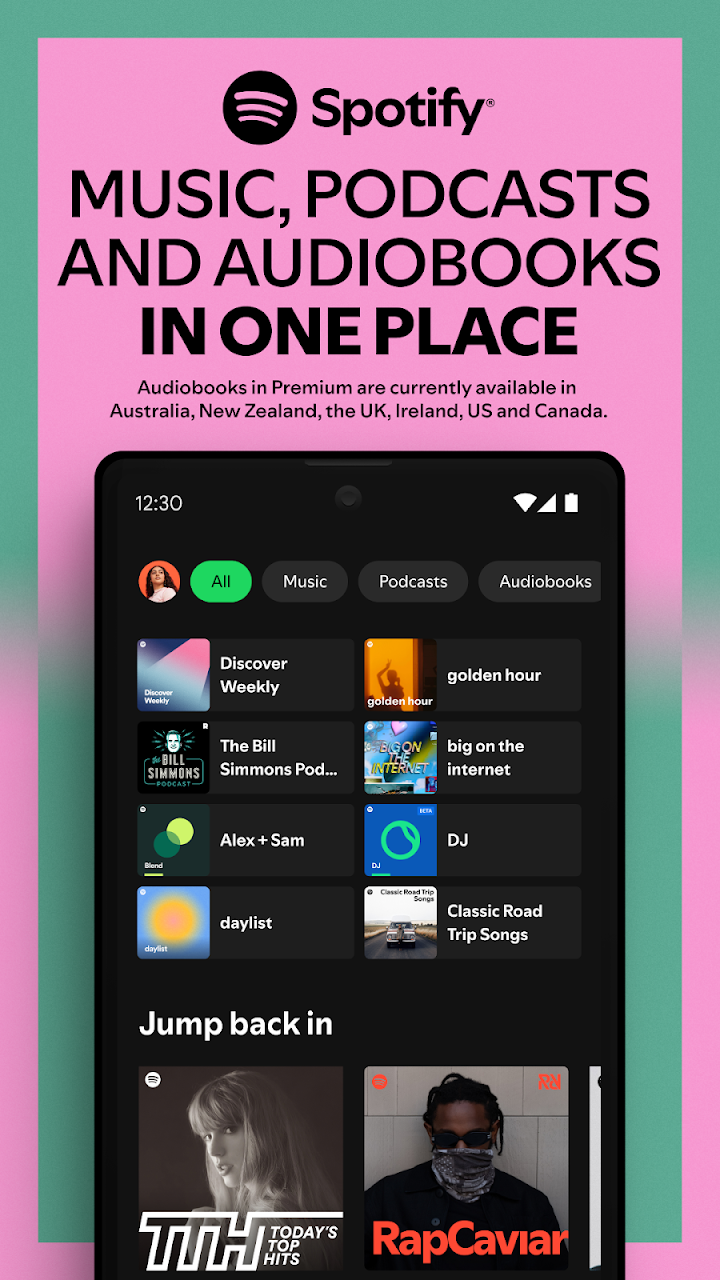
Spotify is a streaming service for music, podcasts and audiobooks. Instead of buying and storing individual songs, you open the app and play from a very large catalogue that includes film songs, independent artists, regional music and spoken-word shows. A free tier is available with advertising and some limits, while Premium is a paid plan with extra control. The service is available in many countries, though the exact catalogue, plans and prices can differ by region.
Discovery is the main strength
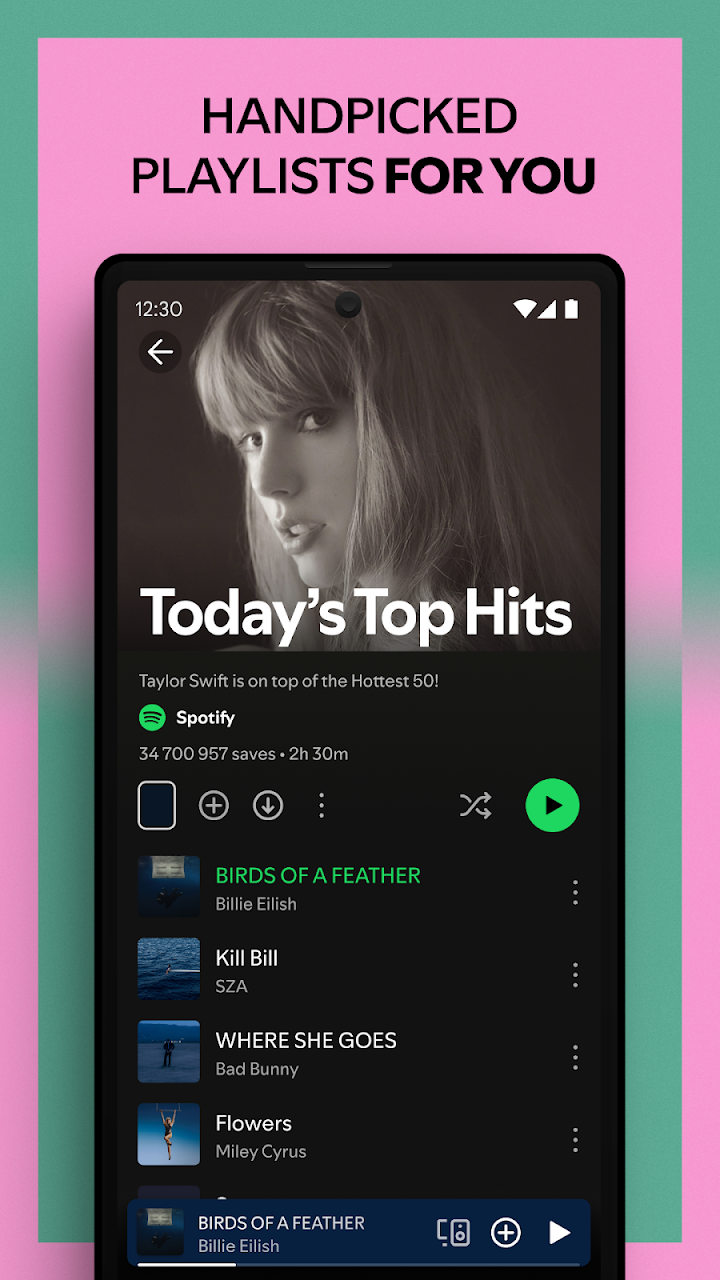
Spotify is known for helping you find new music rather than only playing what you already know. Daily Mix playlists blend your favourite artists with similar ones, Discover Weekly refreshes a playlist of suggestions regularly, and genre or mood playlists cover everything from study focus to workouts. You can also search by artist, album, song or podcast, follow artists to see new releases, and build and share your own playlists. Collaborative playlists let friends add songs to the same list, which works well for trips and parties.
Podcasts and audiobooks
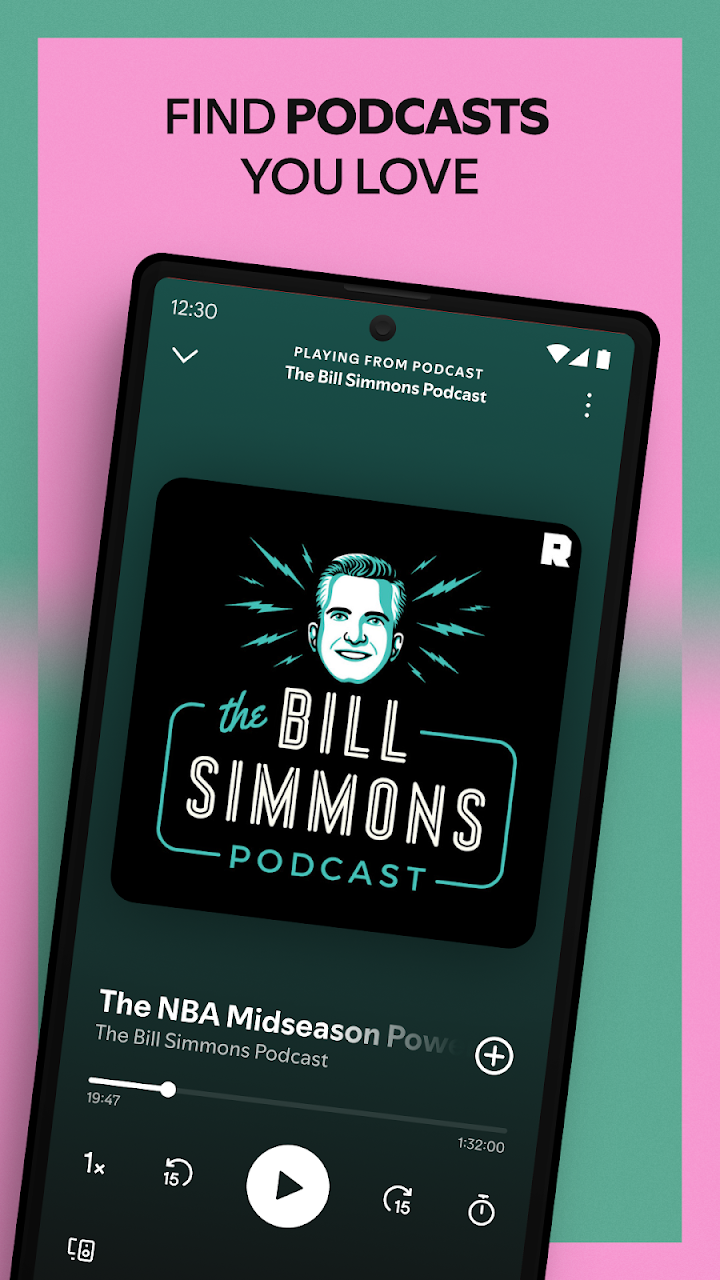
The app includes a large range of podcasts, from news and comedy to education and interviews, with episode downloads and playback speed controls on supported accounts. Audiobook access varies by country and plan, so check what is included for you before expecting a particular title.
Free versus Premium
The free plan lets you listen with ads and has restrictions on skipping and on choosing specific songs in some playlists. Premium removes ads, allows offline downloads, gives unlimited skips and improves on-demand playback. Individual, student, duo and family plans may exist in your country, so compare them on the official page before paying. If you listen mostly with a headset on the commute, offline downloads are often the feature that makes Premium worth it.
Sound quality and data use
In settings you can choose streaming quality. Lower quality uses less mobile data, while higher quality sounds better on good headphones and Wi-Fi. A data saver mode and download-over-Wi-Fi-only option help avoid surprise bills. Check your storage before downloading large playlists.
Privacy and account tips
Spotify can show what you listen to on your profile. If you prefer privacy, use a private session or adjust your profile settings. Be careful with third-party apps that ask for access to your account, and review connected apps from time to time.
Who it suits
It suits listeners who enjoy playlists and recommendations, families who want a shared plan, students looking for budget options, and podcast fans who want everything in one place. Someone who owns a big local music library or wants lossless audio may want to compare other services.
Practical tips
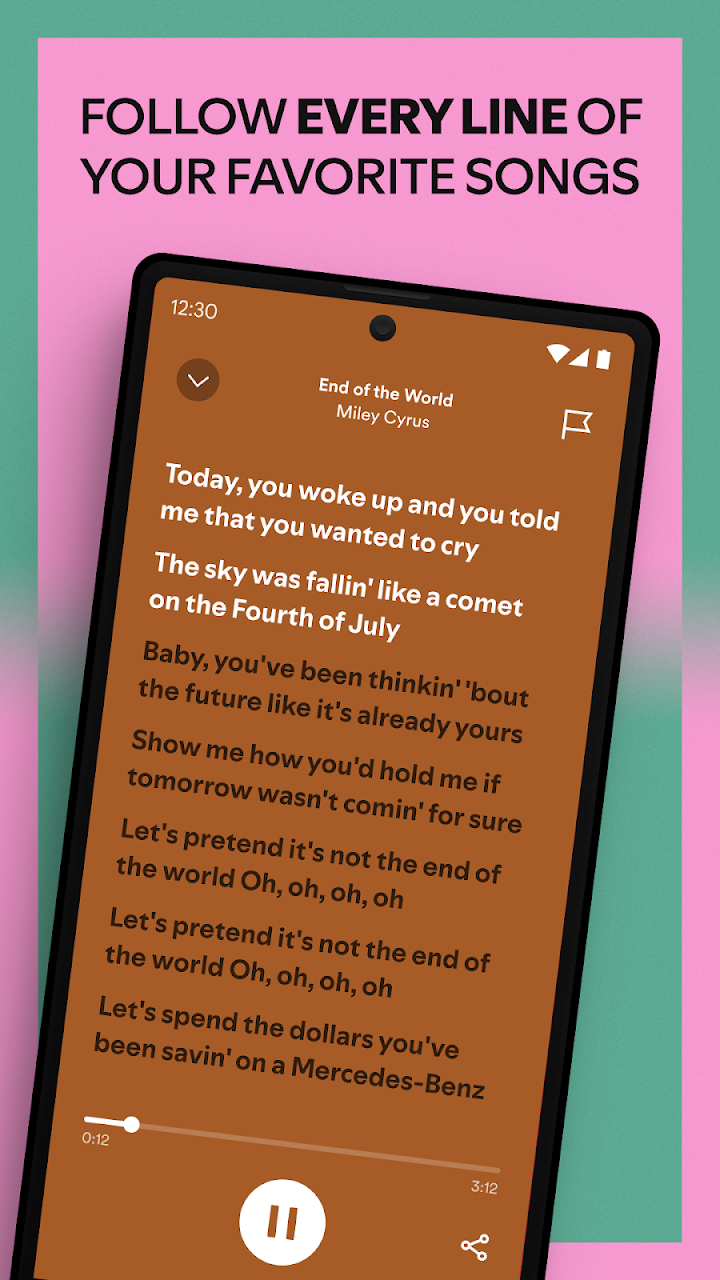
Use the sleep timer to stop playback at night, create playlists by activity such as study or commute, and try the lyrics view where it is available. Cleaning out old downloads now and then frees space.
Our take
Spotify is easy to start with, strong at recommendations and works across phone, laptop, speakers and cars. The main trade-offs are advertising on the free plan and a catalogue that depends on licensing in your region. Use the official link on this page to install it safely and avoid modified apps that promise free Premium.