
- Developer
- MobilityWare
- Installs
- 10M+
- Downloads
- 0
- Views
- 1
- Updated
- Nov 1, 2026
Screenshots
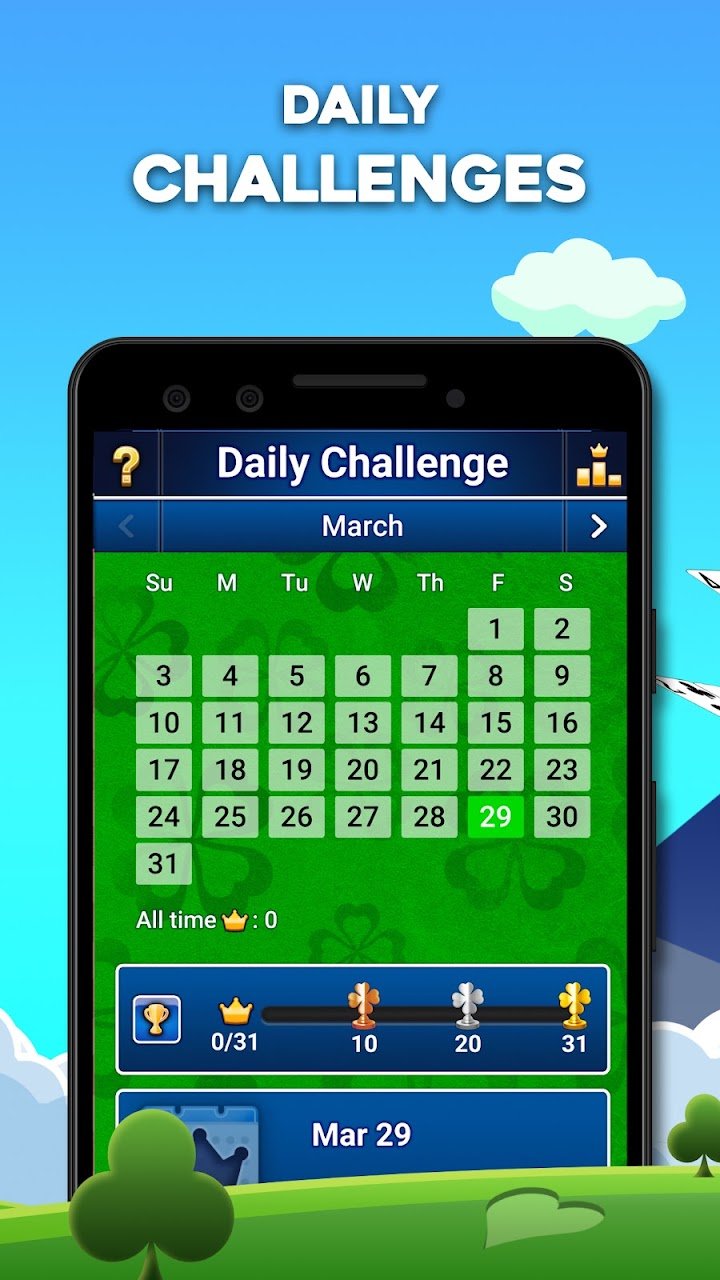
About FreeCell Solitaire: Card Games
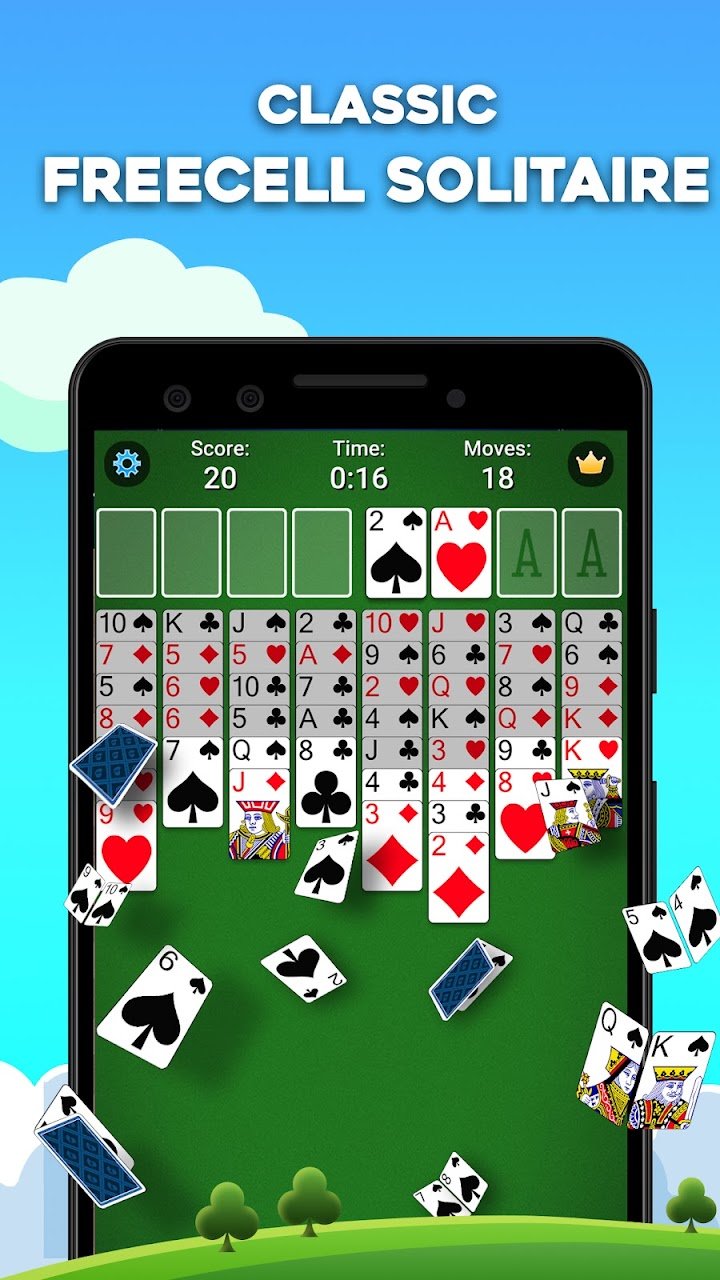
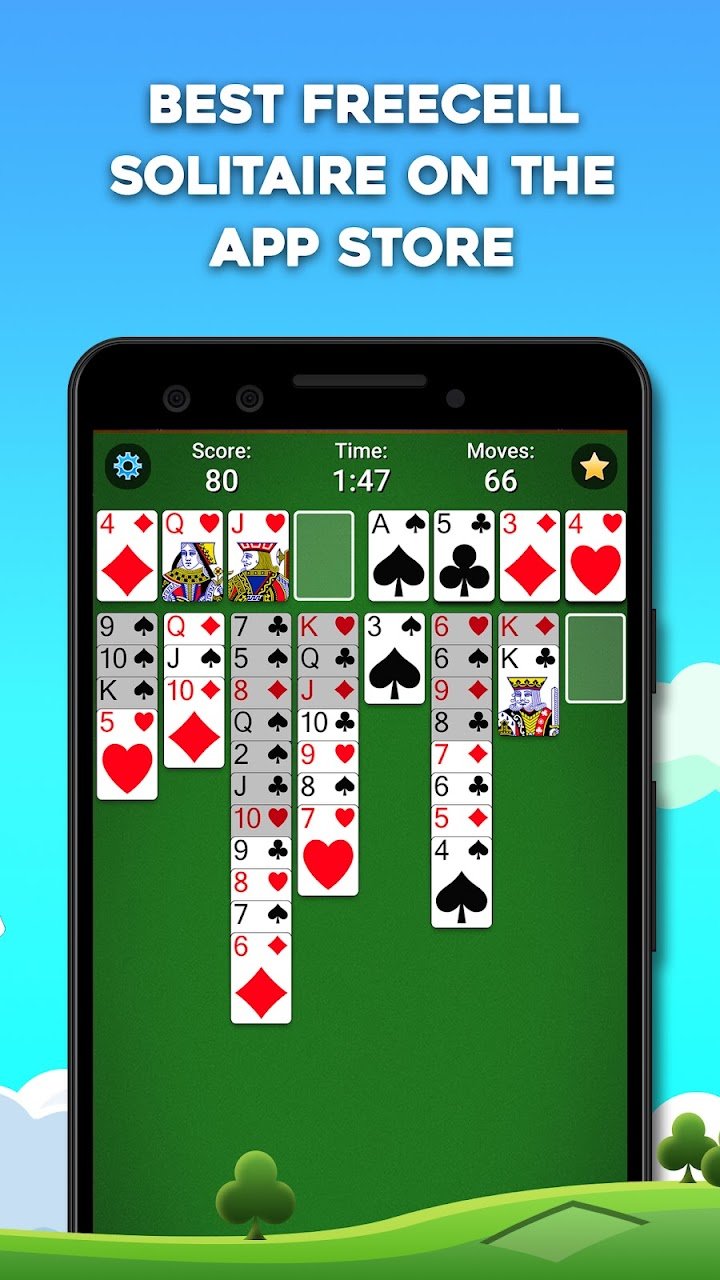
FreeCell is a solitaire game that depends more on planning than on luck. Unlike Klondike, all 52 cards are dealt face up at the start, so you can see everything and think ahead. The goal is to move all cards to four foundation piles, one for each suit, in order from ace to king. This version from MobilityWare presents the classic game with a clean layout, hints and statistics. It suits people who enjoy puzzles where careful thought is rewarded.
How the game works
The cards are arranged in eight columns on the tableau. You can move cards between columns by placing a card on another card that is one rank higher and of the opposite colour. Four free cells in the top corner act as temporary storage, where each cell can hold a single card. The foundations are built upward by suit. The challenge is to use the free cells and empty columns wisely, since they are limited. Moving several cards at once is possible if you have enough free cells and empty columns to make the move step by step.
Why it is popular
Almost every deal of FreeCell can be solved, so a loss usually means a better plan existed. This makes the game feel fair and encourages you to think more deeply. Many players enjoy the feeling of solving a complicated deal after a few attempts. The lack of hidden cards makes it a good game for people who like logic.
Strategy tips
Before you move anything, study the layout and look for aces and low cards that are buried. Try to empty a column early, because empty columns are the most powerful resource. Avoid filling all four free cells, as that can leave you with no options. Plan sequences of moves in your head before making them, and use undo to test ideas. Do not rush cards to the foundation if they are useful for building sequences. When several moves are available, choose the one that frees the most cards or exposes a key card.
Features and options
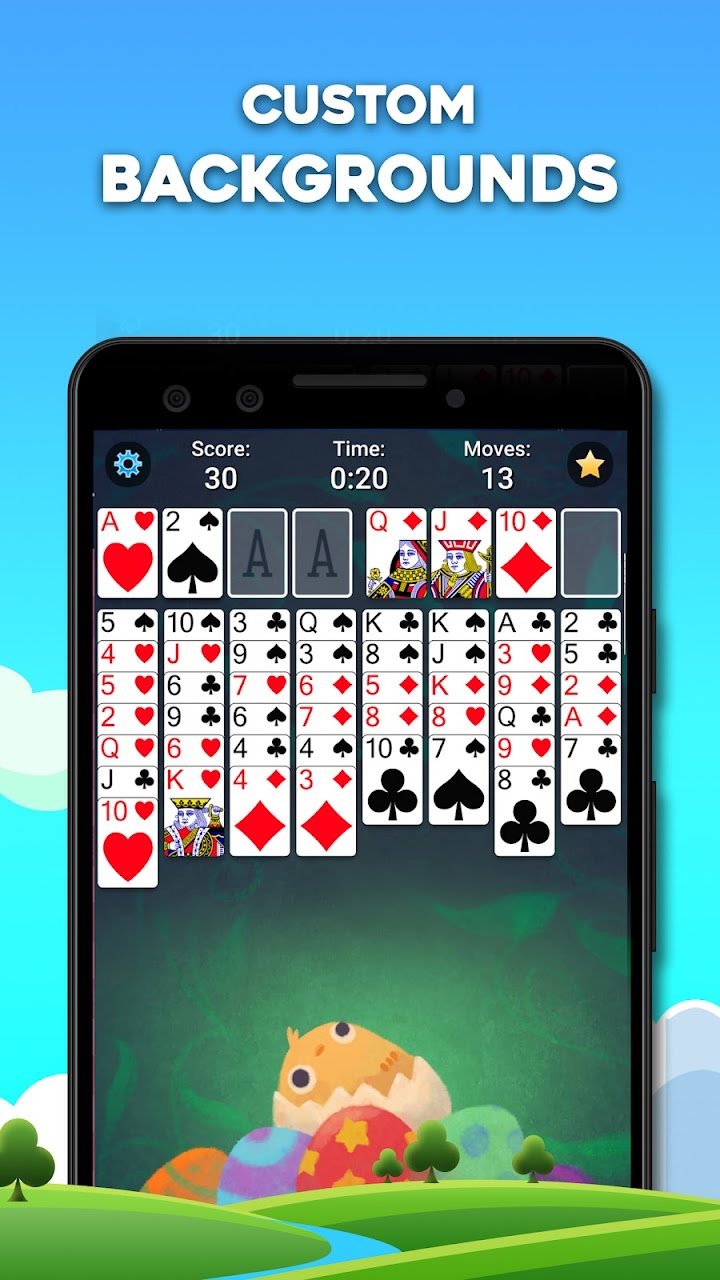
The app includes hints, undo, statistics and the ability to replay a deal. Daily challenges and various visual themes are often available. You can play offline, which makes it suitable for travel. The interface supports both portrait and landscape modes, and you can choose how cards move, by tapping or dragging.
Ads and purchases
The game is free to download and supported by advertising, with optional purchases for extras and an ad-free experience. Check the store listing for current details. If a child plays, review the purchase controls on the device.
Who it suits
It suits logical thinkers, puzzle fans and anyone who likes to take their time. It is also good for players who dislike the randomness of other solitaire games. People who want fast, light entertainment may find that FreeCell asks for more concentration than they want.
How it compares
Compared with Klondike, there is less luck and more strategy. Compared with Spider, everything is visible and the planning horizon is longer, though the rules are simpler.
Our take
FreeCell is a satisfying puzzle disguised as a card game. Use the official store link on this page to install it and enjoy the challenge.